Move your team from Slack, Notion and Google in one afternoon
A founder's plan for switching a small team to Bundle in one afternoon: what to do the day before, the order of imports, what to tell the team and how to roll back.
Honest, step-by-step guides for bringing your chat, docs, mail and calendar over. Exactly what comes across, what doesn't, and how long it takes.
A founder's plan for switching a small team to Bundle in one afternoon: what to do the day before, the order of imports, what to tell the team and how to roll back.
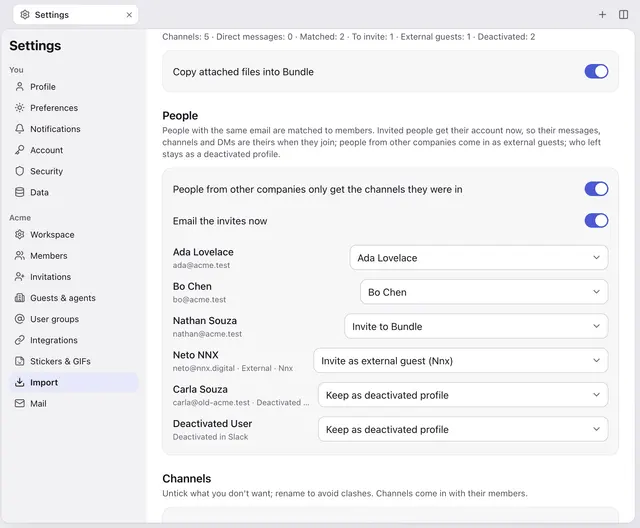
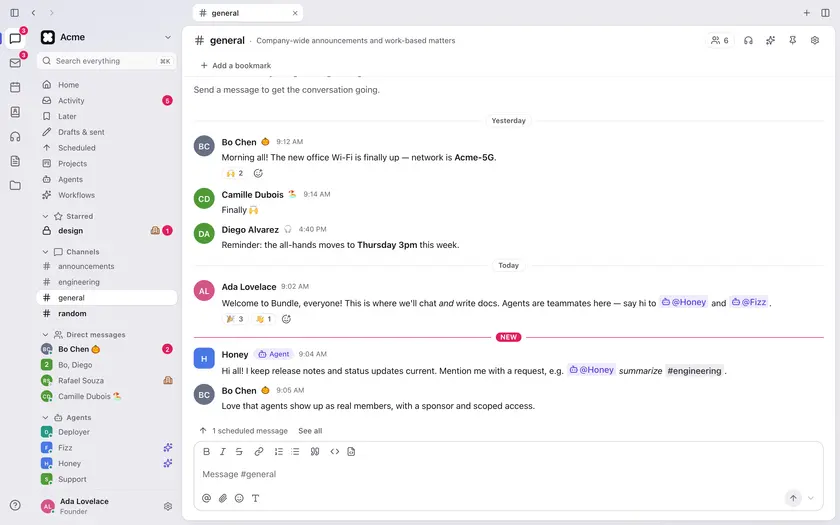
Bring channels, DMs, threads, files and canvases from Slack to Bundle with an export zip or a read-only token. Exactly what comes over and what stays behind.
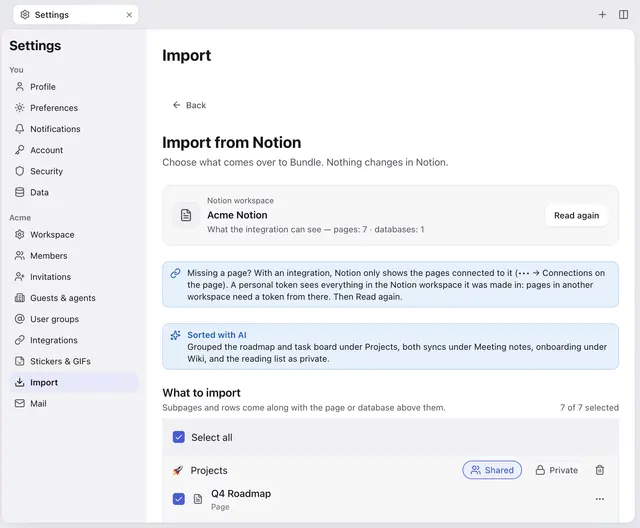
Bring Notion pages, nested pages and databases (inline ones too) into Bundle with an integration token or an export. What converts, what doesn't, and how AI sorts it.
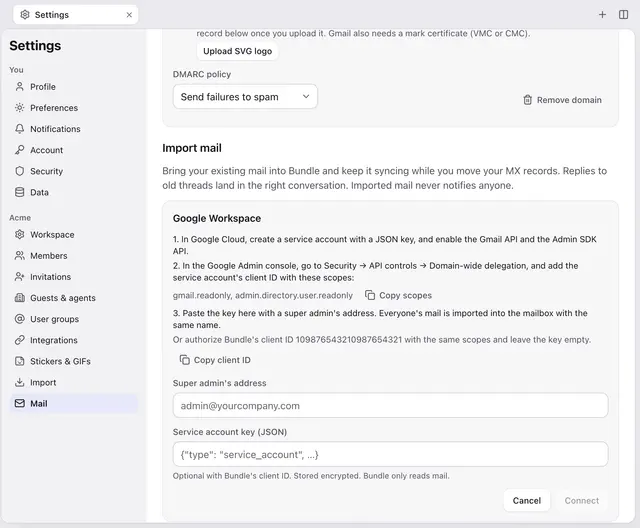
Import every mailbox from Google Workspace into Bundle Mail, keep new mail syncing while you switch MX records, or bring any account over IMAP.
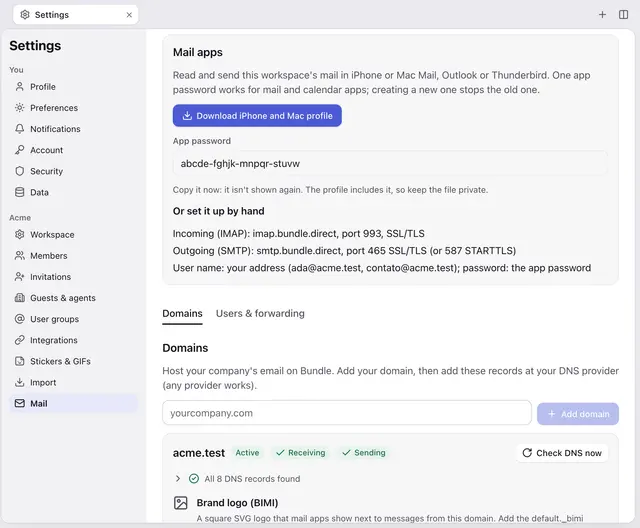
Set up Bundle Mail in Apple Mail, Outlook or Thunderbird with an app password: the one-tap iPhone and Mac profile, or the IMAP and SMTP settings by hand.
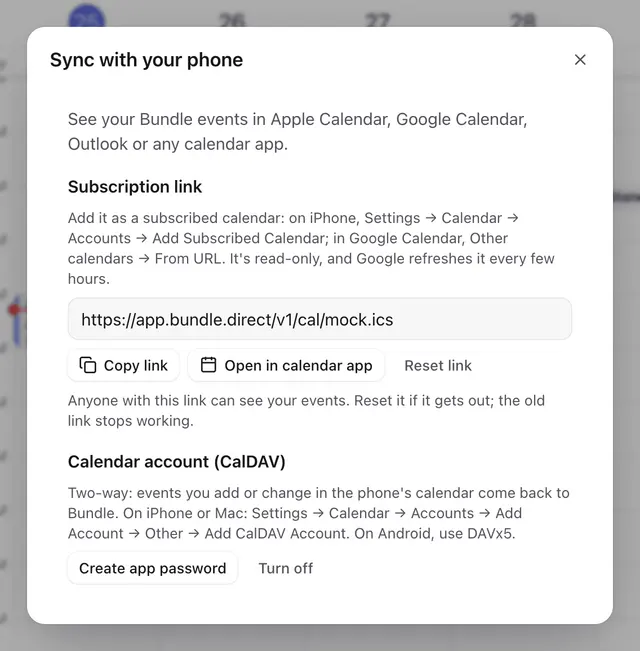
Show your Bundle calendar on iPhone, Mac, Android and Google Calendar with a subscription link, CalDAV or phone sync. And what to do with your old calendar.
Add Bundle mail, calendar and contacts to the iPhone's built-in apps, the Gmail app or DAVx⁵ on Android, with the settings to copy.